 ConcordUI
Developer Release 1 · Sample applications
Examples
Explore shared Swift applications through working examples and native platform screenshots.
Each sample keeps its application code in Shared/Swift and provides Apple and Android projects. Use these apps to explore the framework and compare how the same content appears on different platforms.
Hello ConcordUI
A minimal shared Swift application that displays “HelloConcordUI.” Start here to understand how an Application creates a Presentation, lays out a label with spacers, and displays it in the main venue.
- Minimal application startup
- A presentation containing a vertical stack
- Shared Swift rendered on Apple and Android
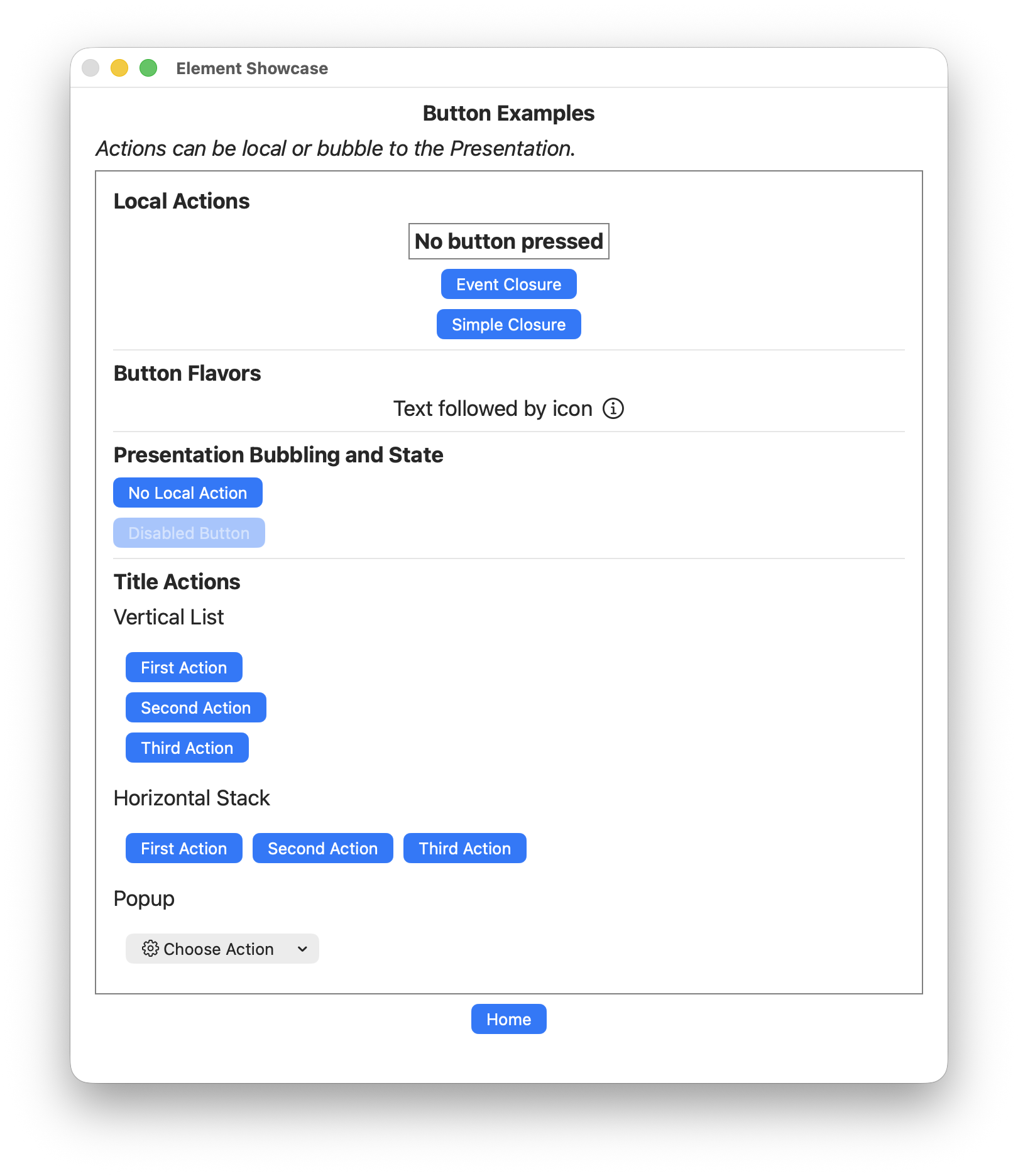
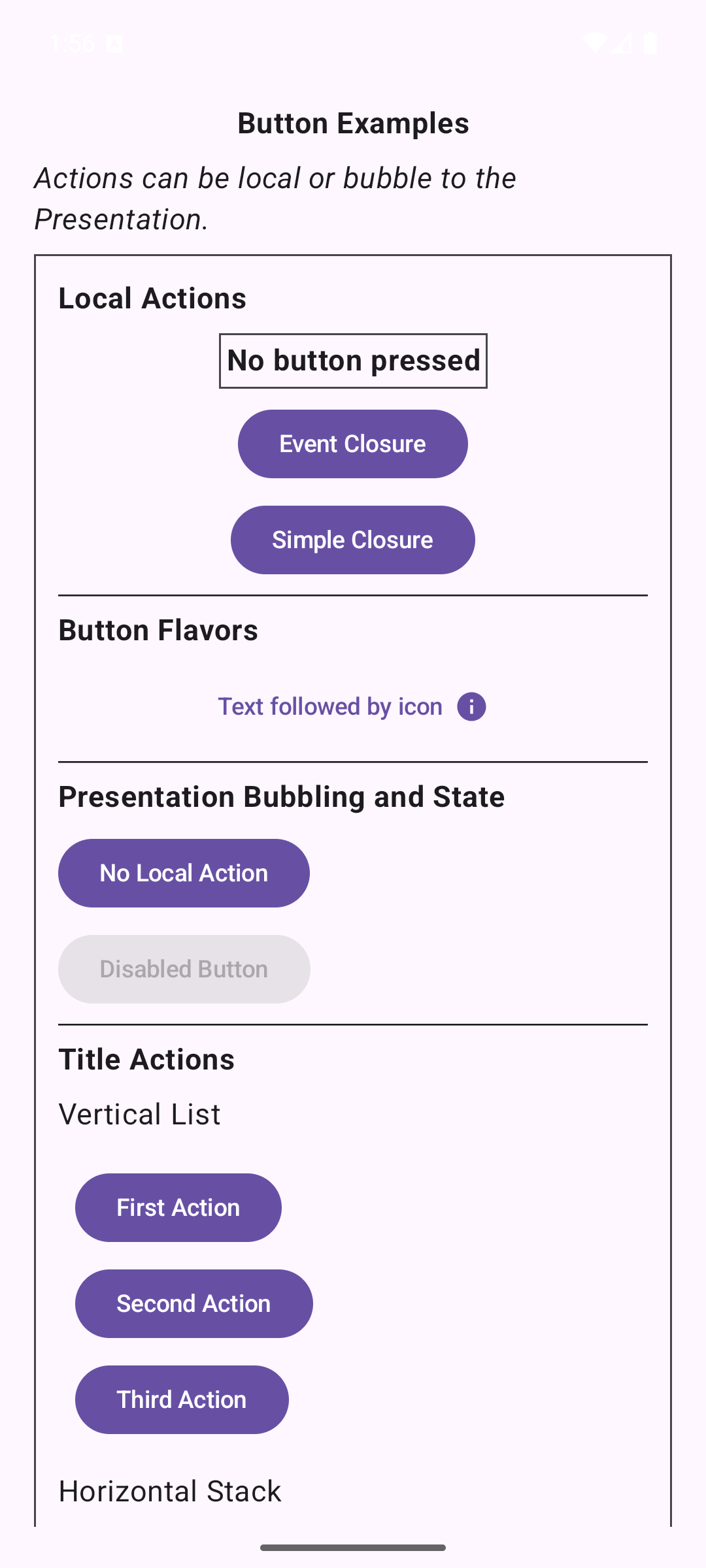
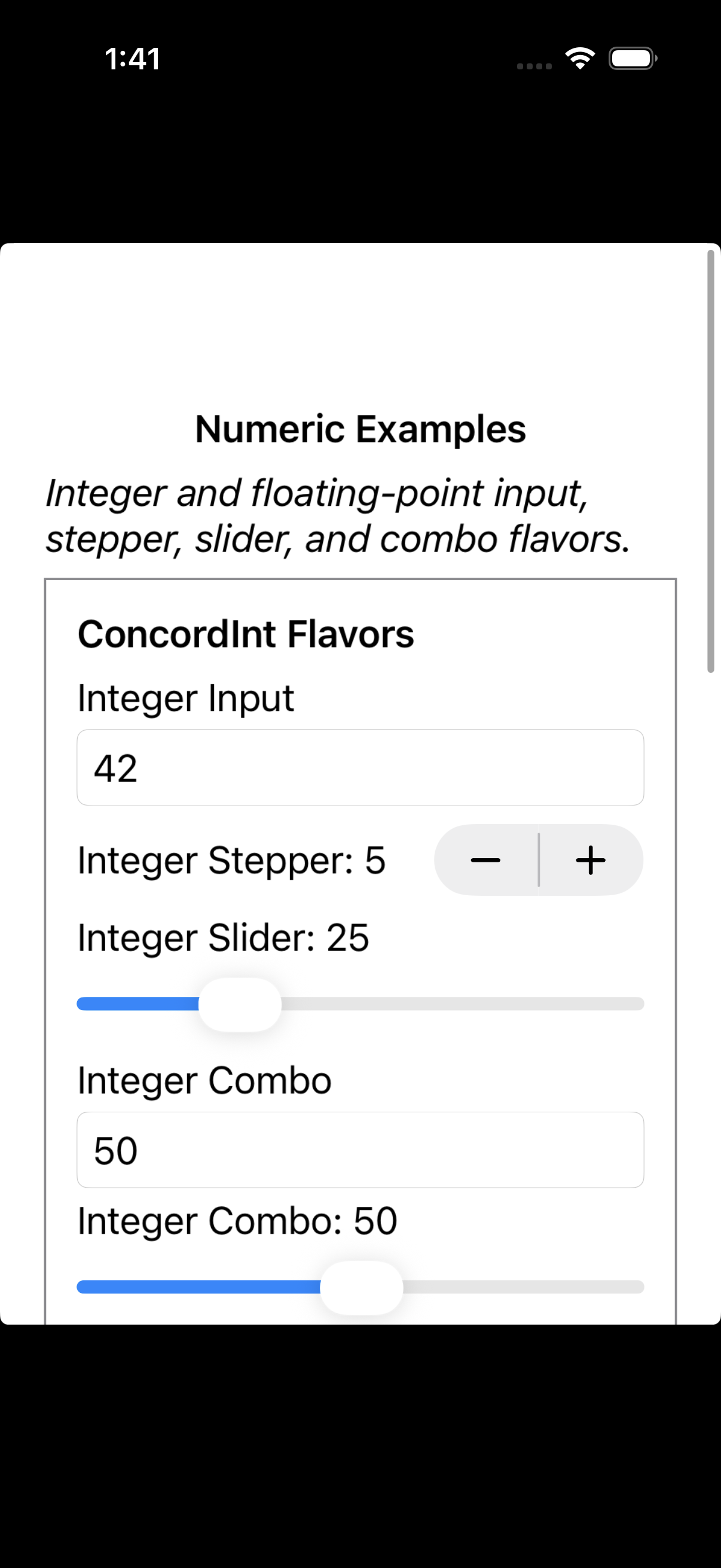
Elements Showcase
An interactive catalog of ConcordUI controls, content, and layouts. Each element family has its own presentation, with home navigation and shared binding examples.
- Stacks, spacers, labels, and buttons
- Text, Boolean, numeric, date/time, and selection controls
- Bindings, images, icons, raster layouts, and platform-specific UI
Sample project · Shared Swift source · How to run
%20-%20Stack.png)
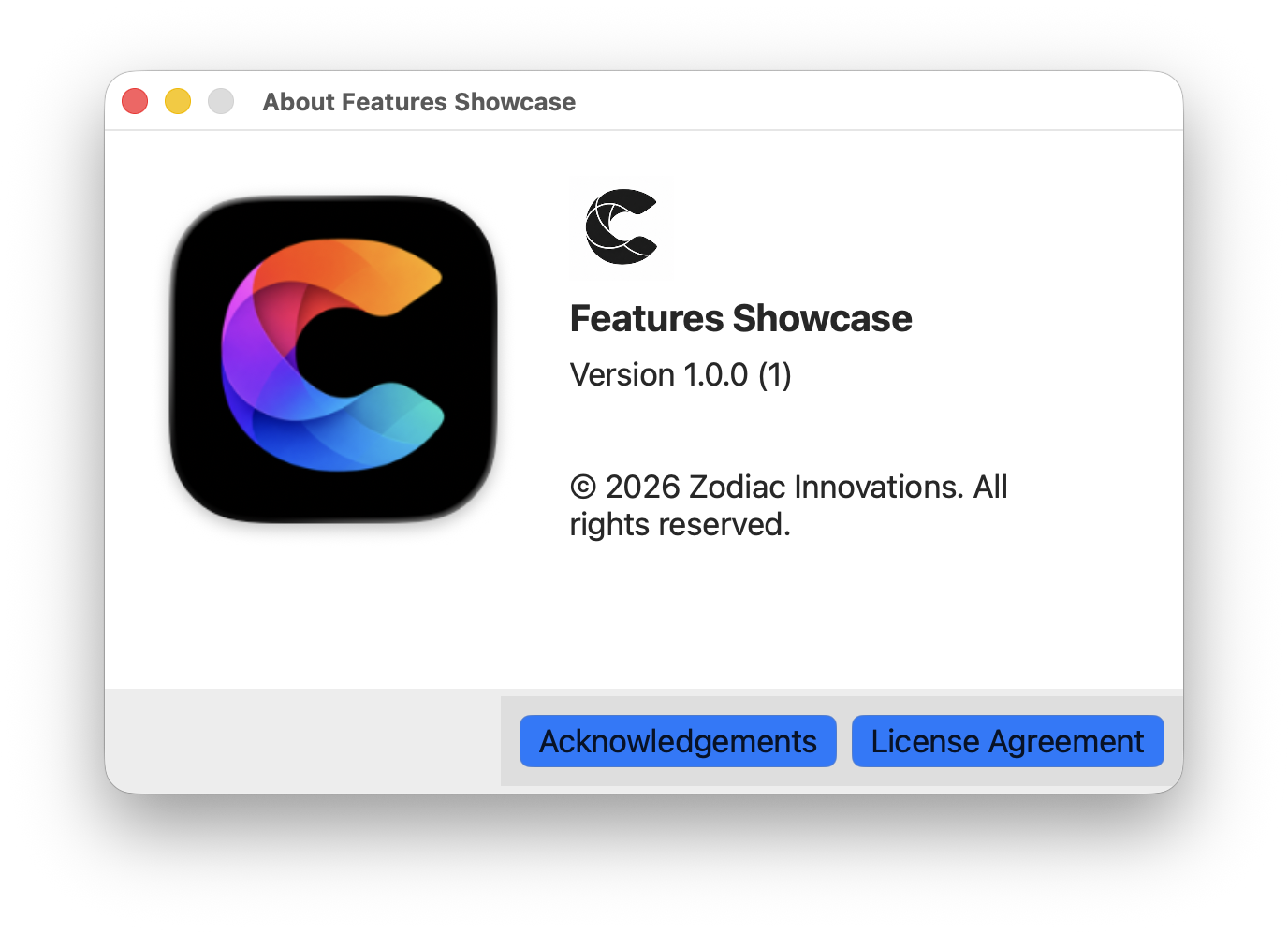
Features Showcase
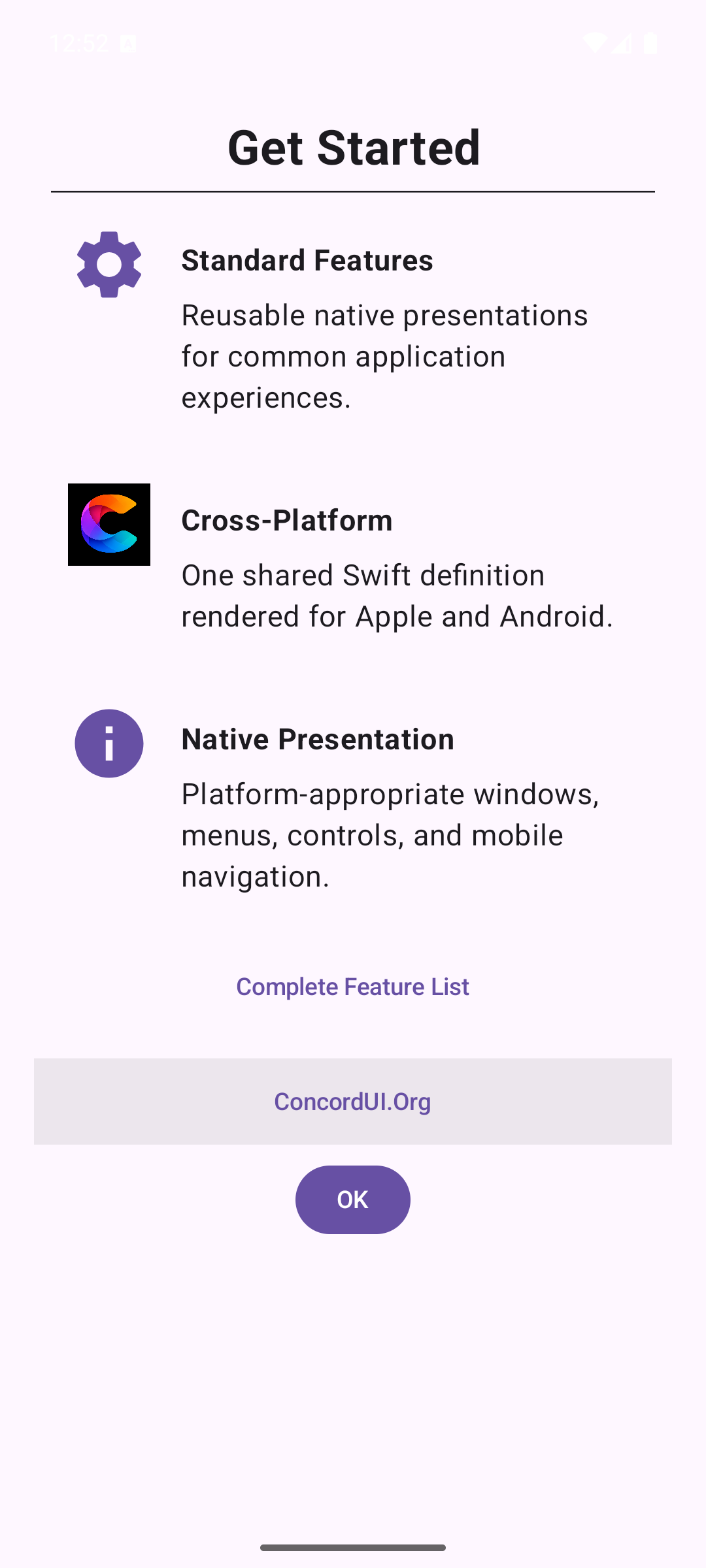
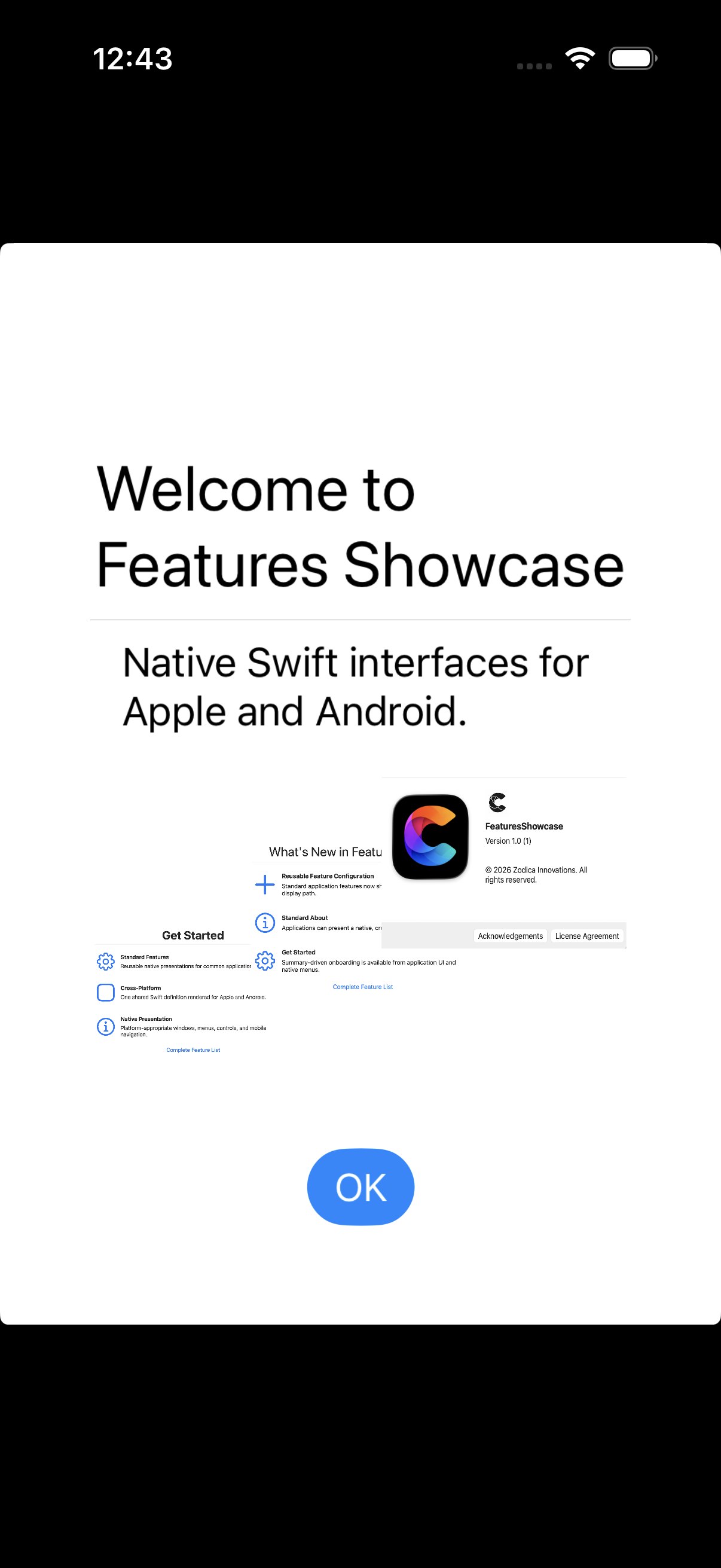
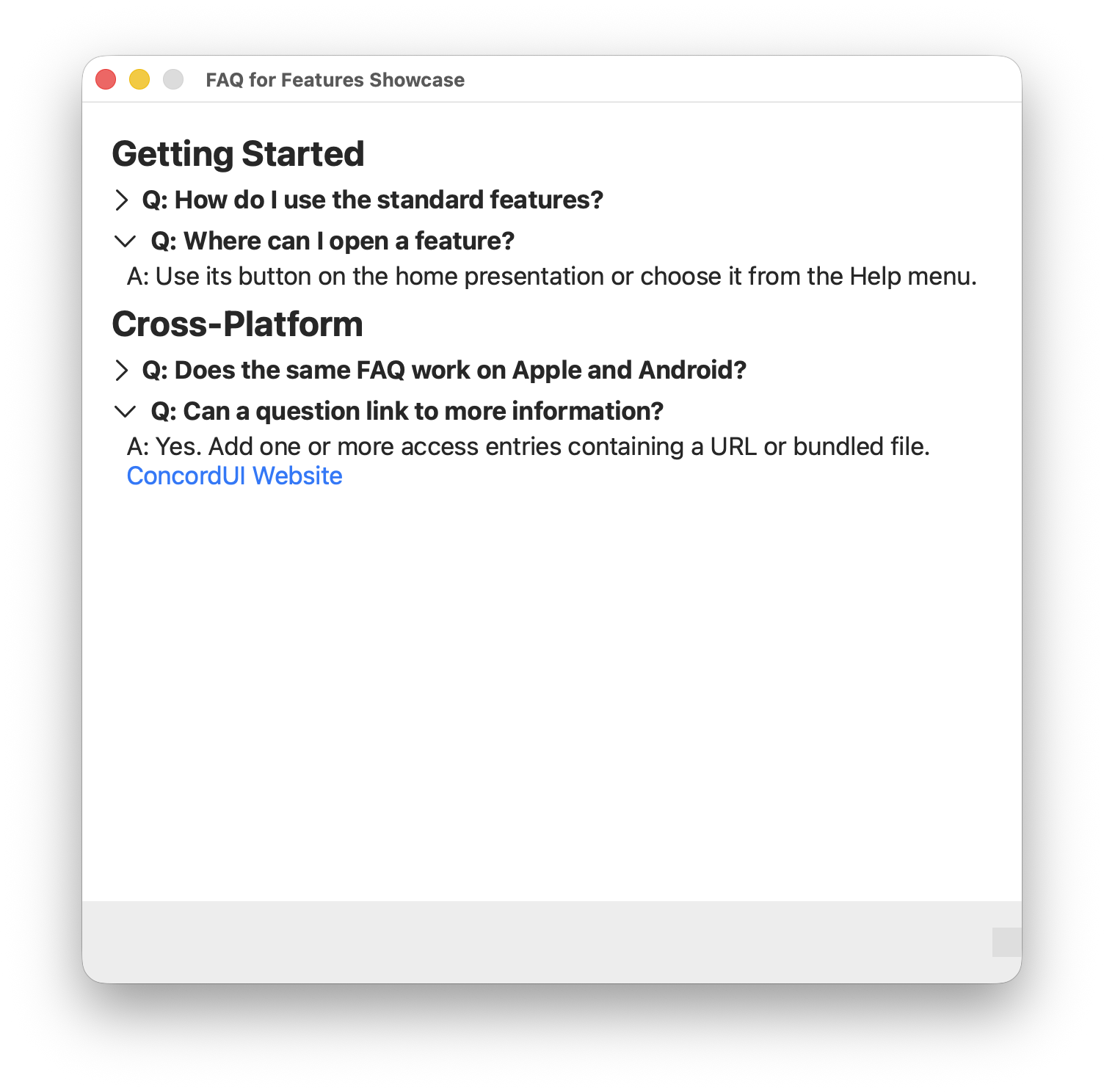
Reusable application experiences configured in shared Swift and presented with native platform conventions.
- Welcome, Get Started, and What’s New
- Standard About, FAQ, Help, and Settings
- Feature access from application controls and native menus
Sample project · Shared Swift source · How to run
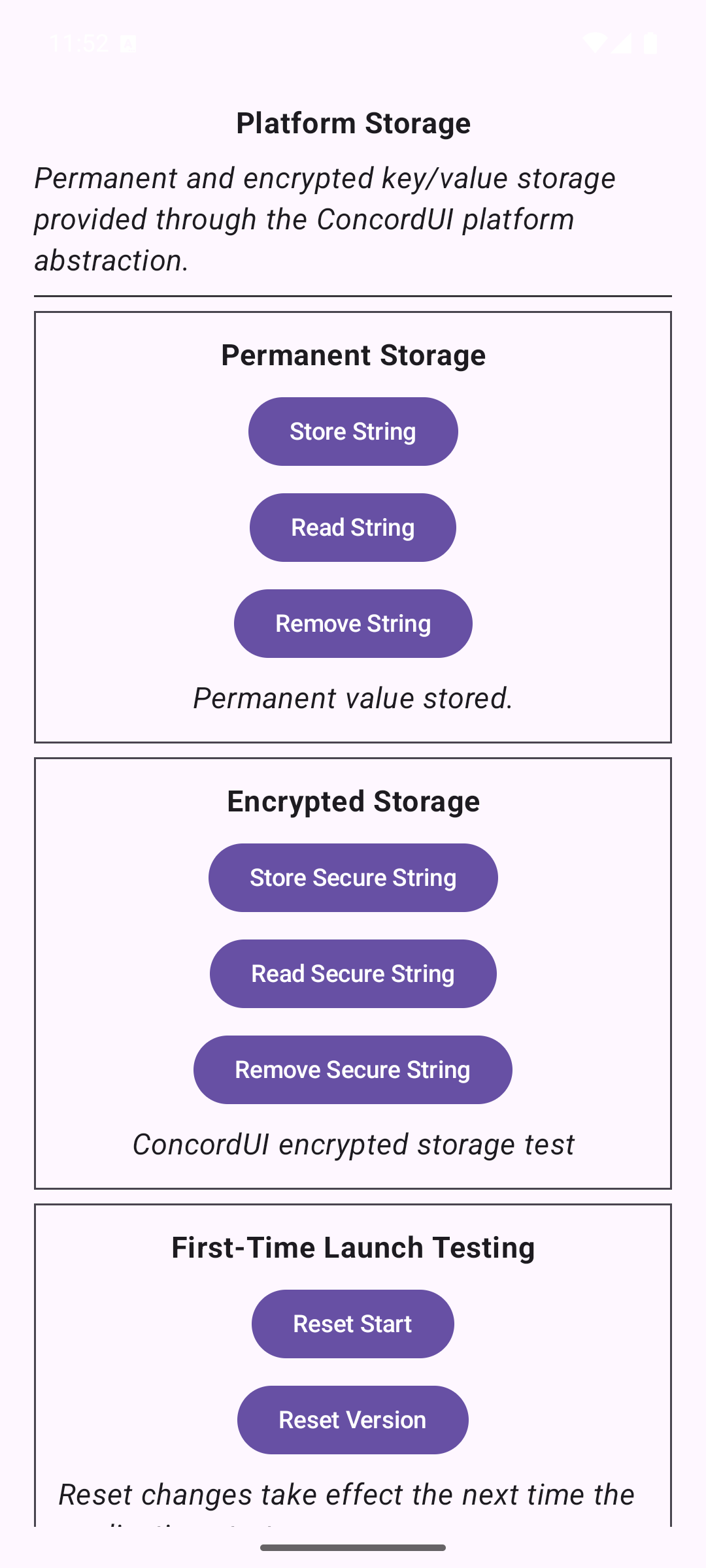
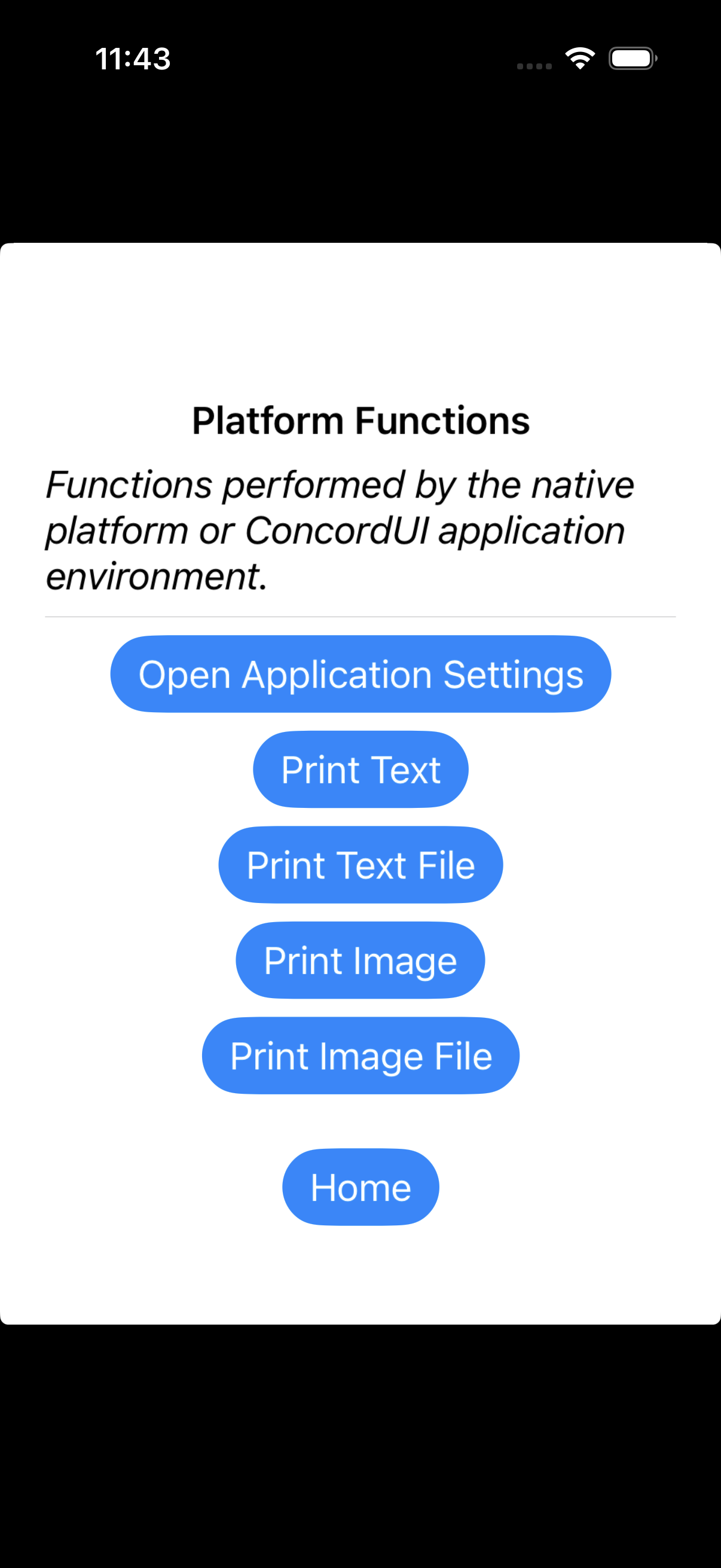
Platform Showcase
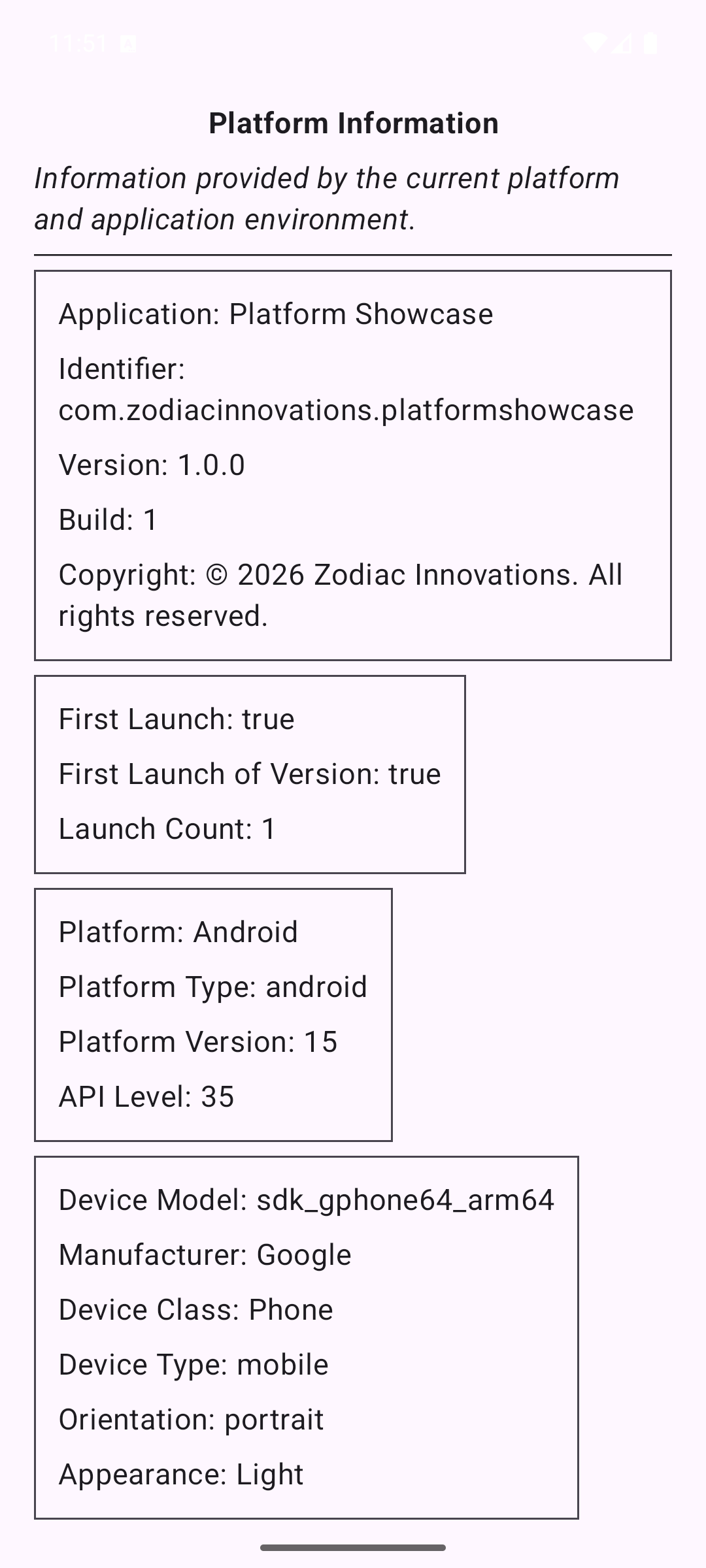
Explore the information and services that a native platform makes available to shared Swift code. Actions are shown according to the capabilities available on the current platform.
- App, platform, device, and locale information
- Native actions, audio playback, and speech
- Persistent and secure storage, embedded resources, and platform elements
Sample project · Shared Swift source · How to run
%20-%20Audio%20and%20Speech.png)
Presentation Showcase
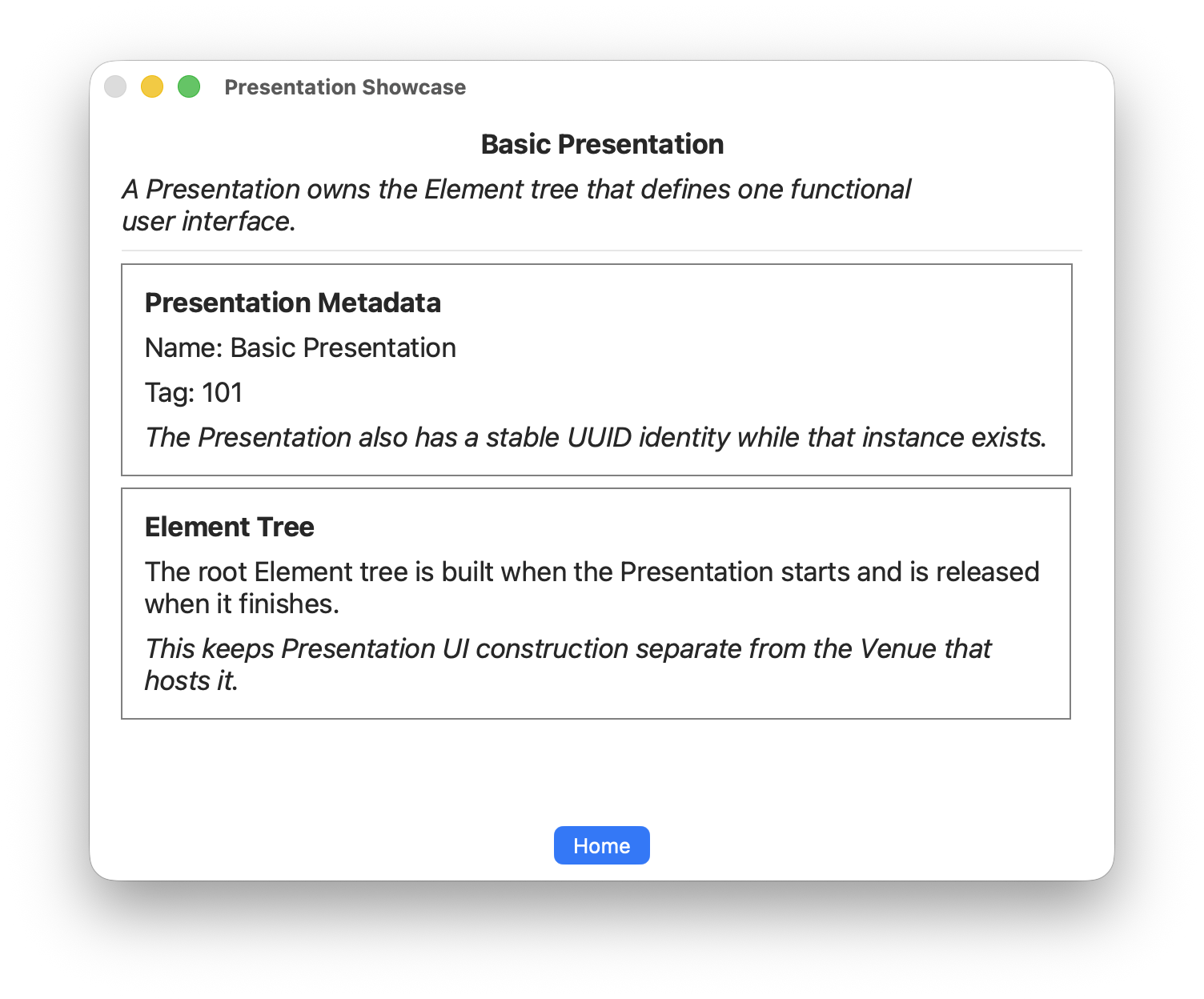
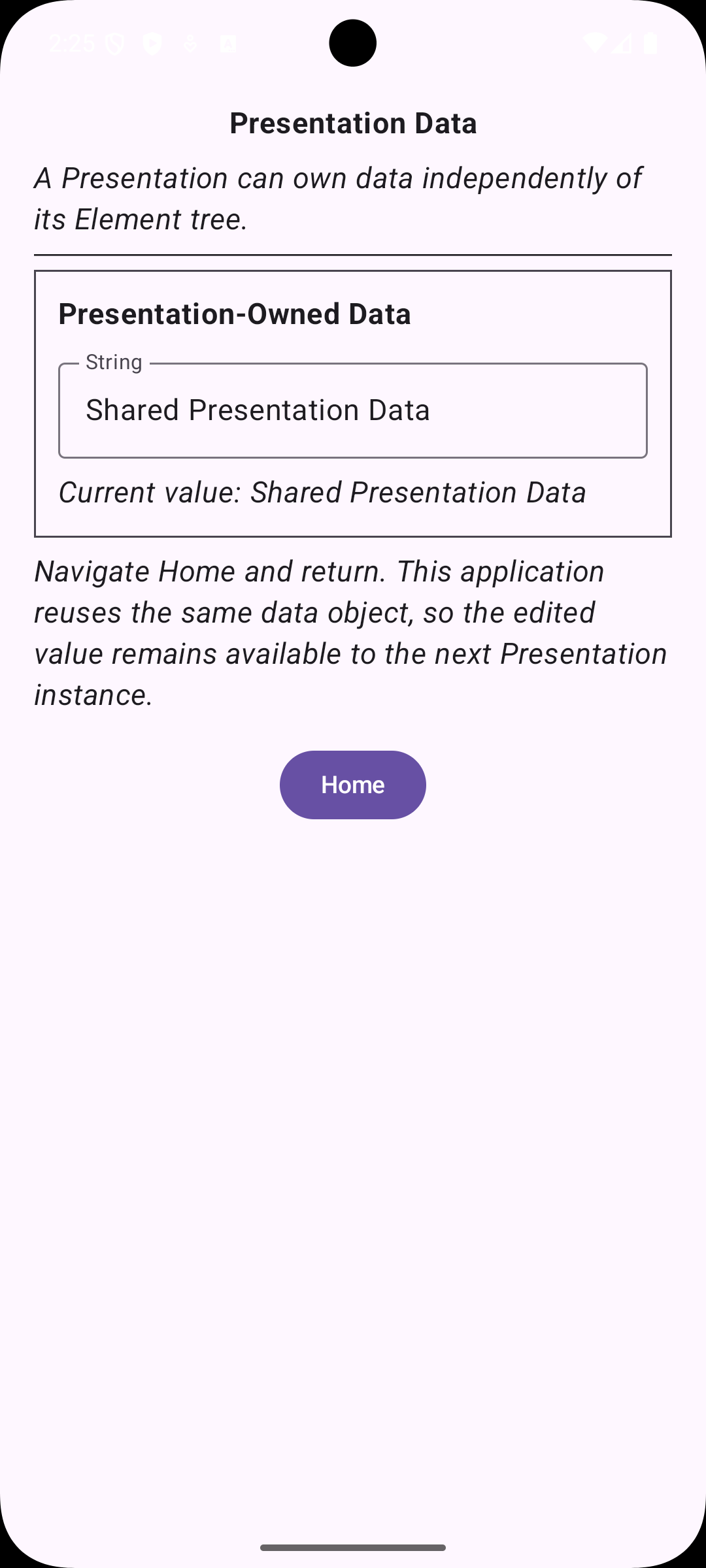
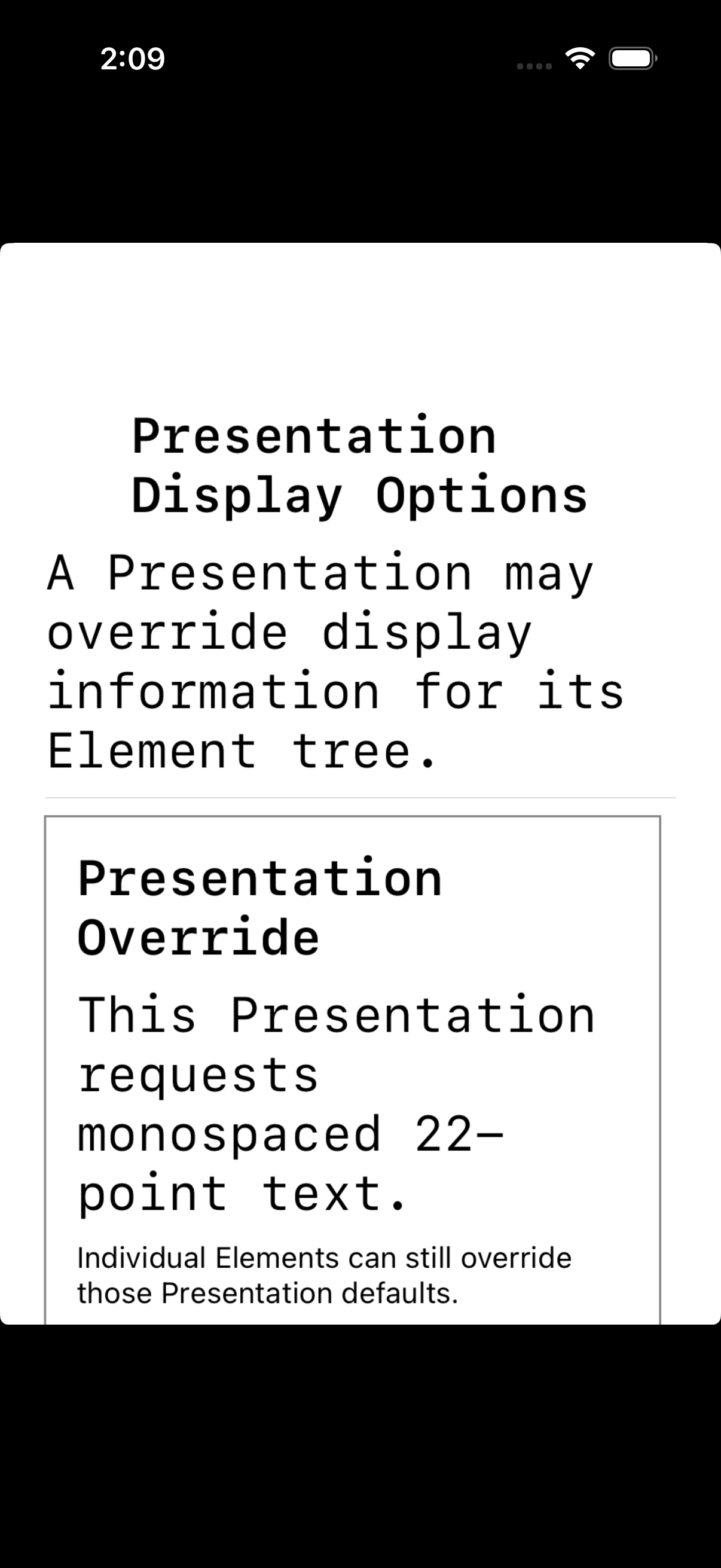
Explore presentations independently of the broader venue model, including their structure, data, display options, and lifecycle.
- Presentation metadata and element trees
- Editable shared presentation data and display options
- Lifecycle callbacks and a presentation in a secondary venue
Sample project · Shared Swift source · How to run
%20-%20Lifecycle.png)
Venue Showcase
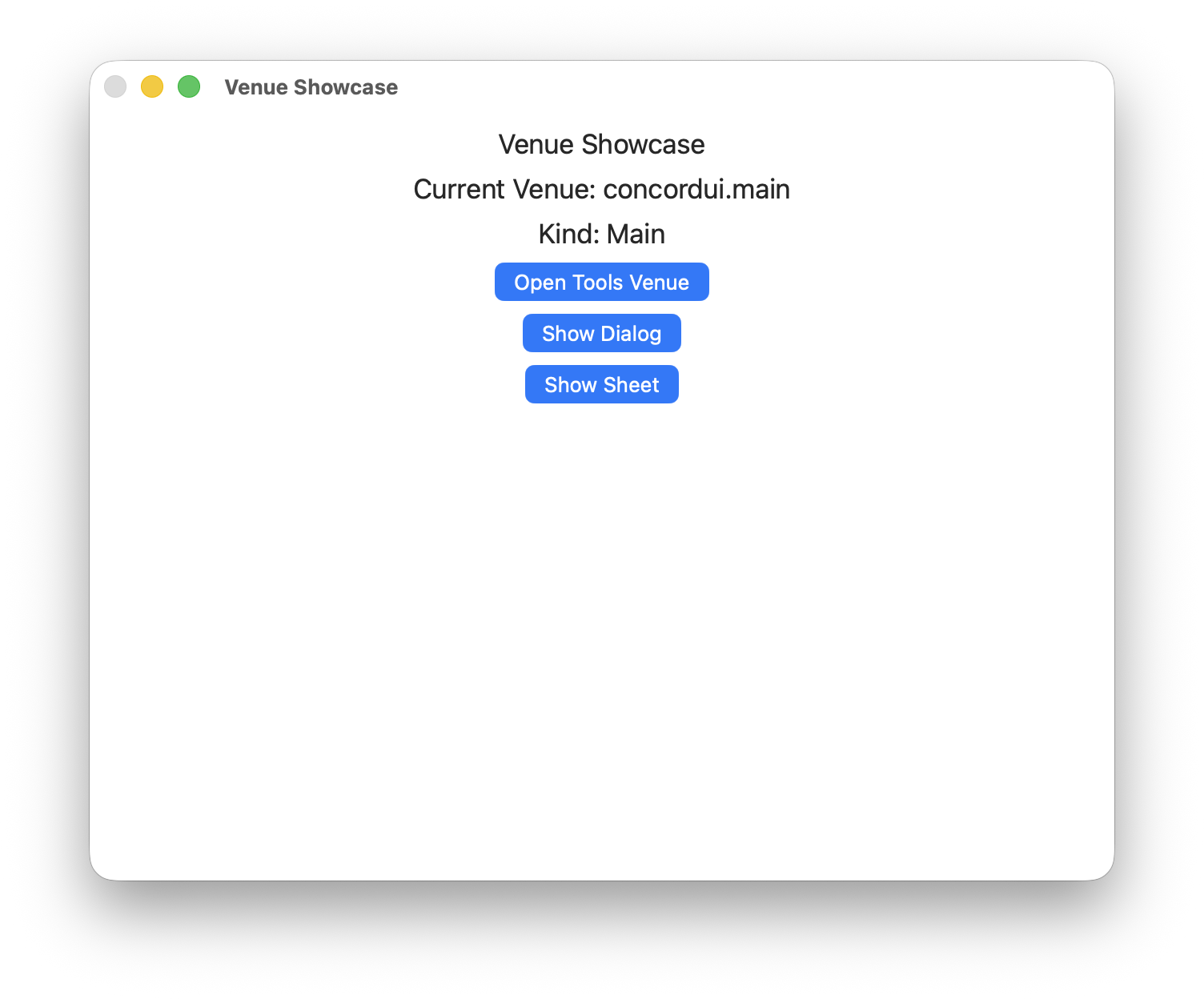
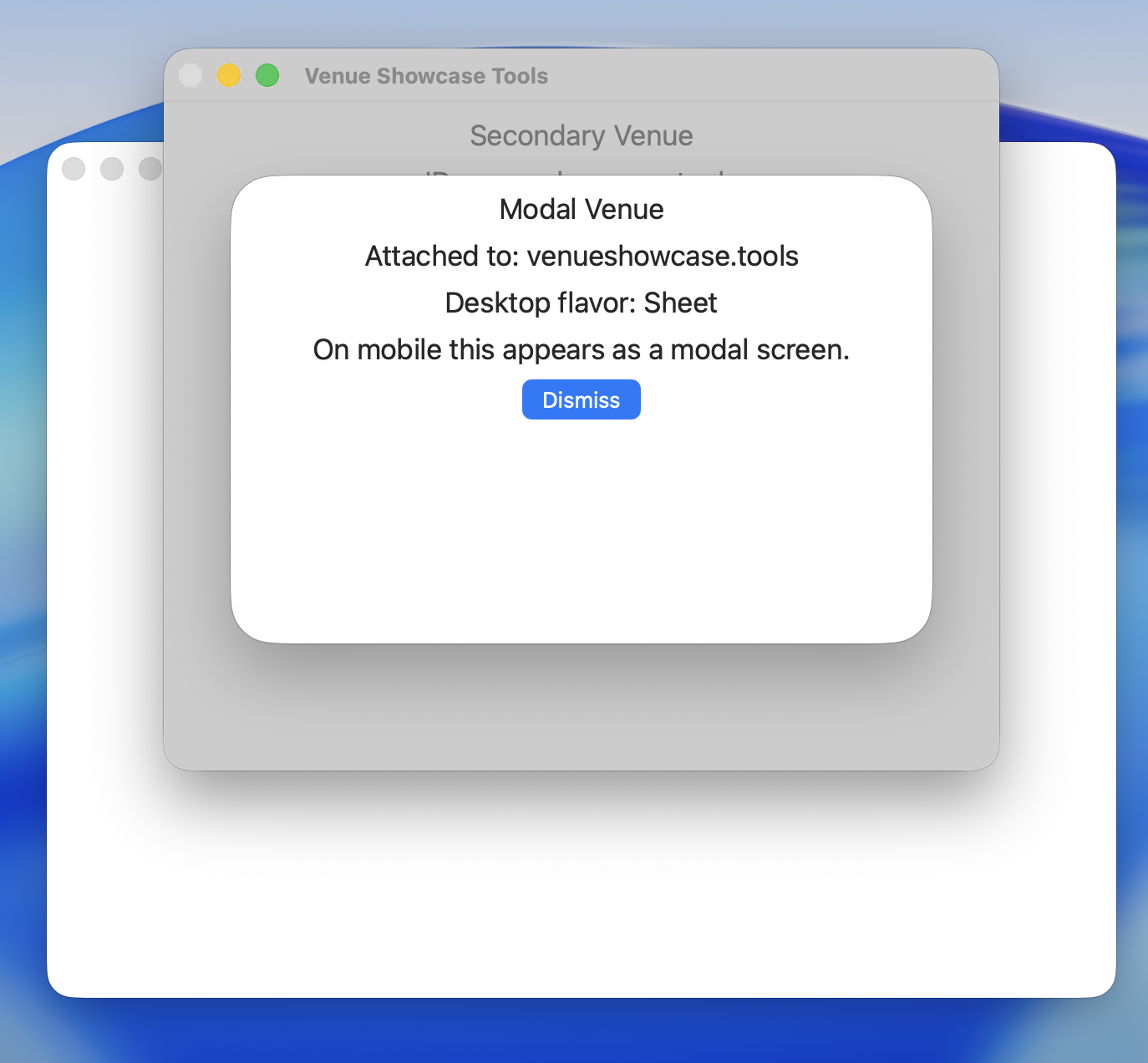
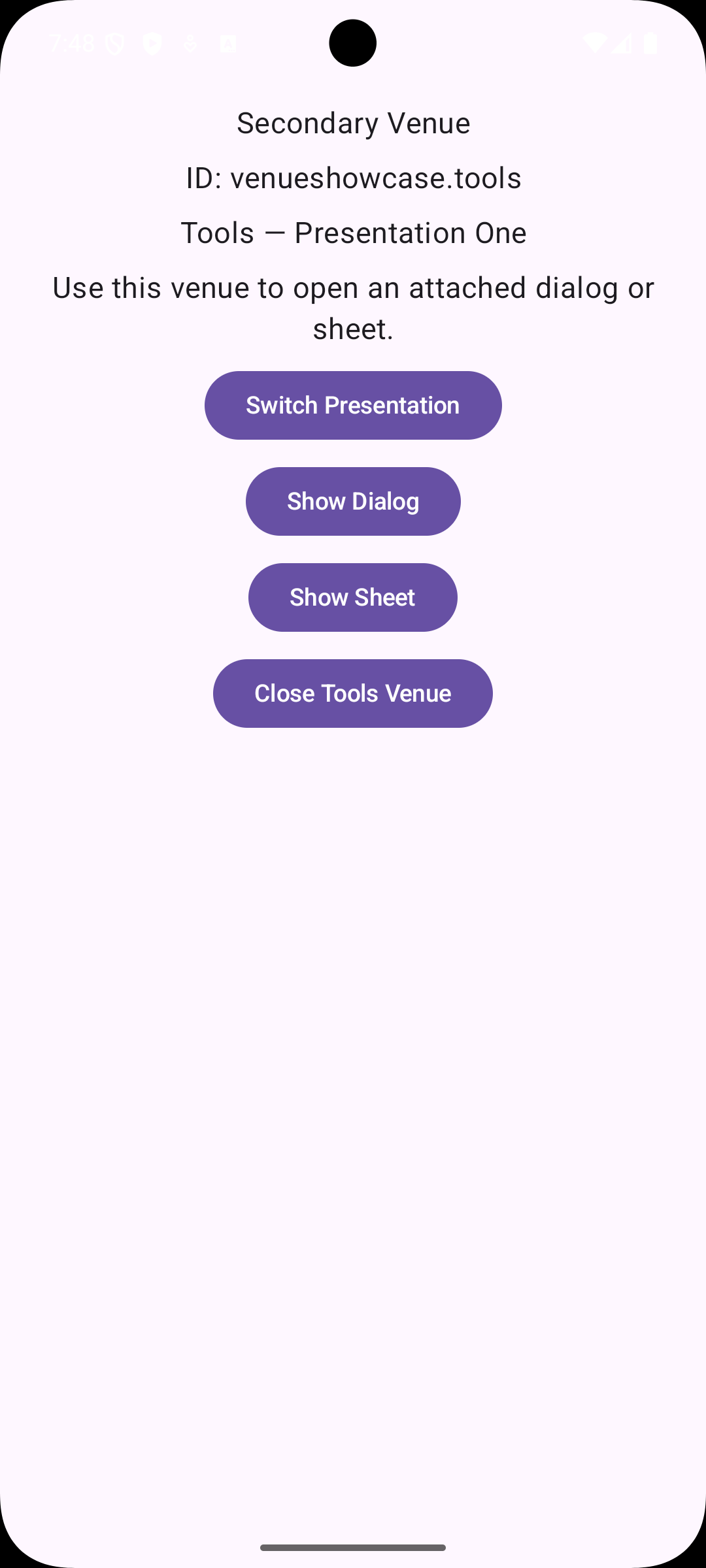
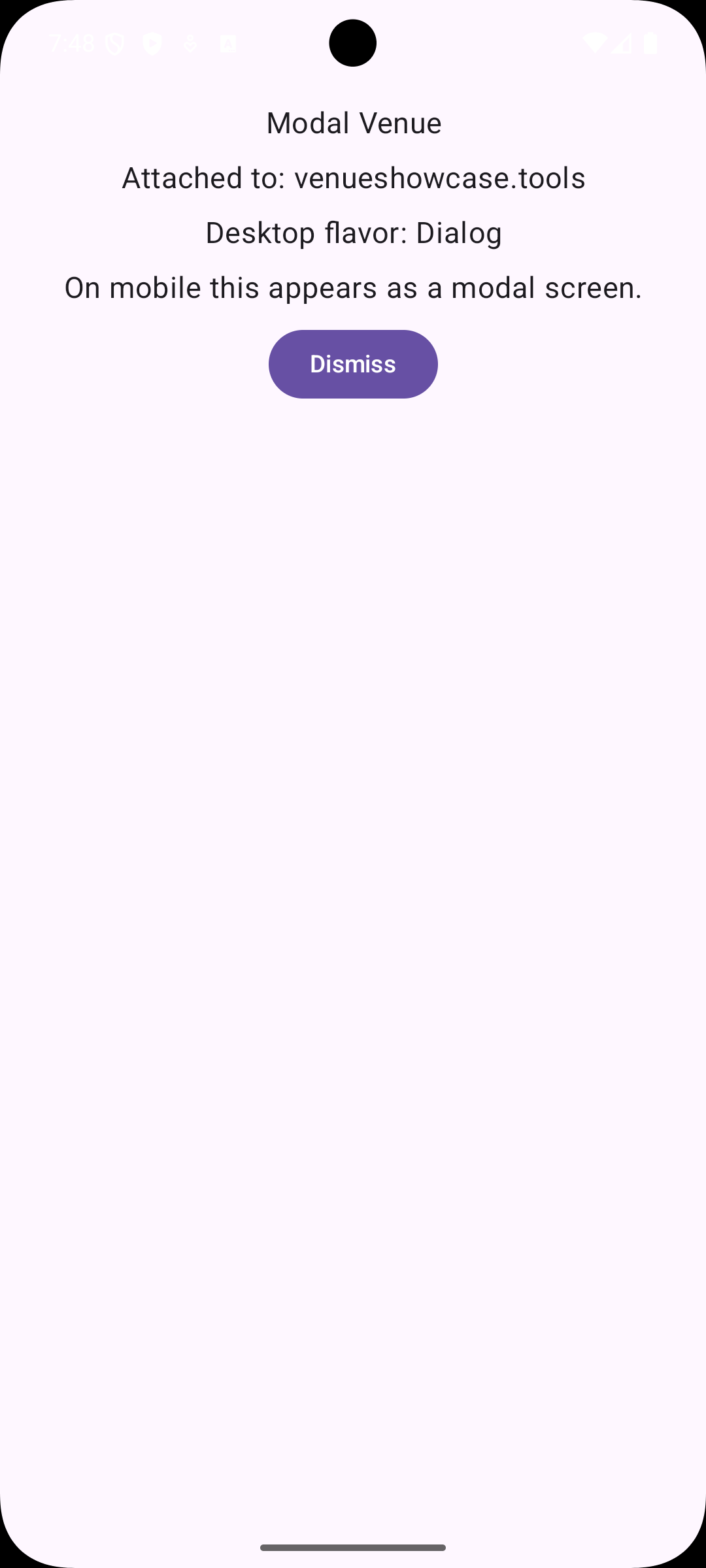
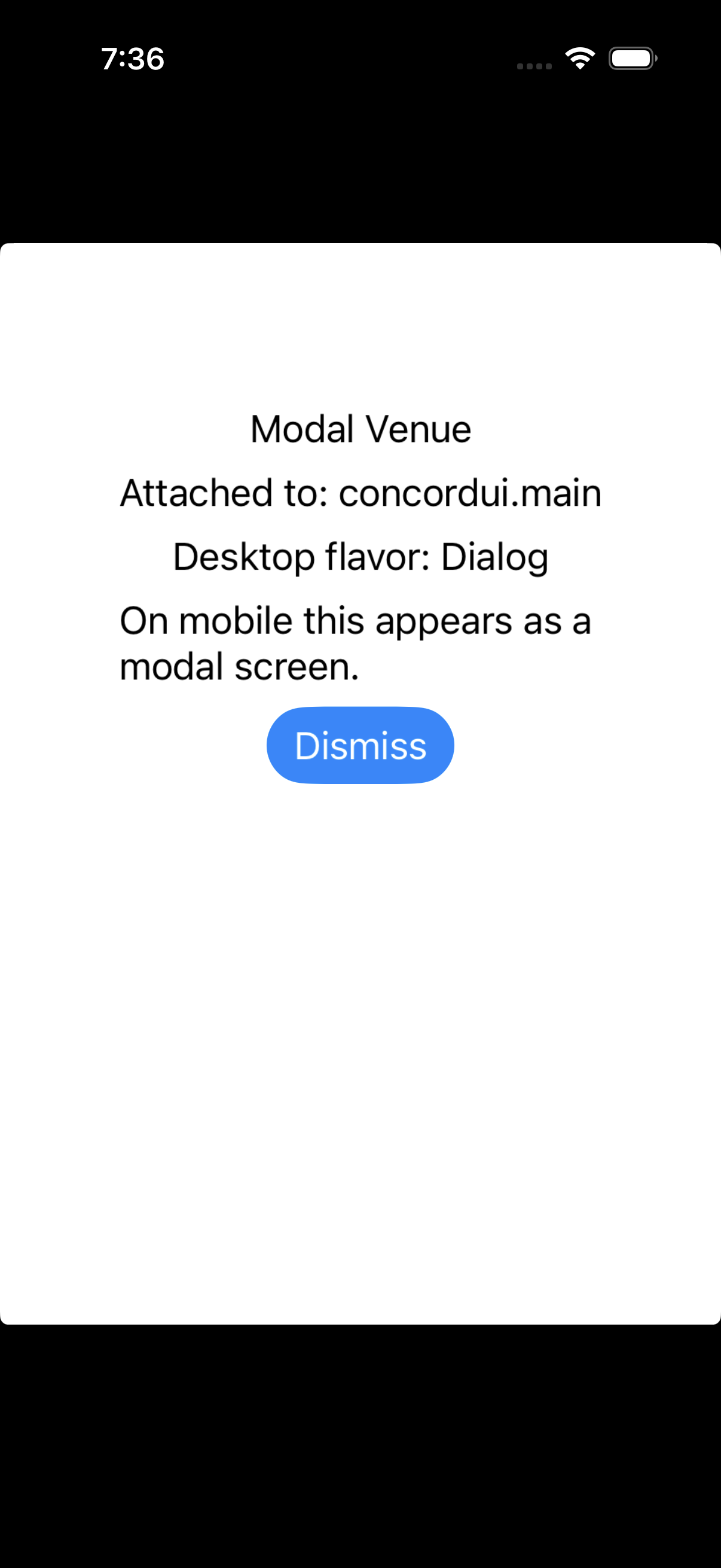
Explore how venues host presentations in a main window or screen, a secondary tools venue, and attached modal dialogs or sheets. The same shared Swift code supplies the interactions on Apple and Android.
- Main venue with controls to open a tools venue, dialog, or sheet.
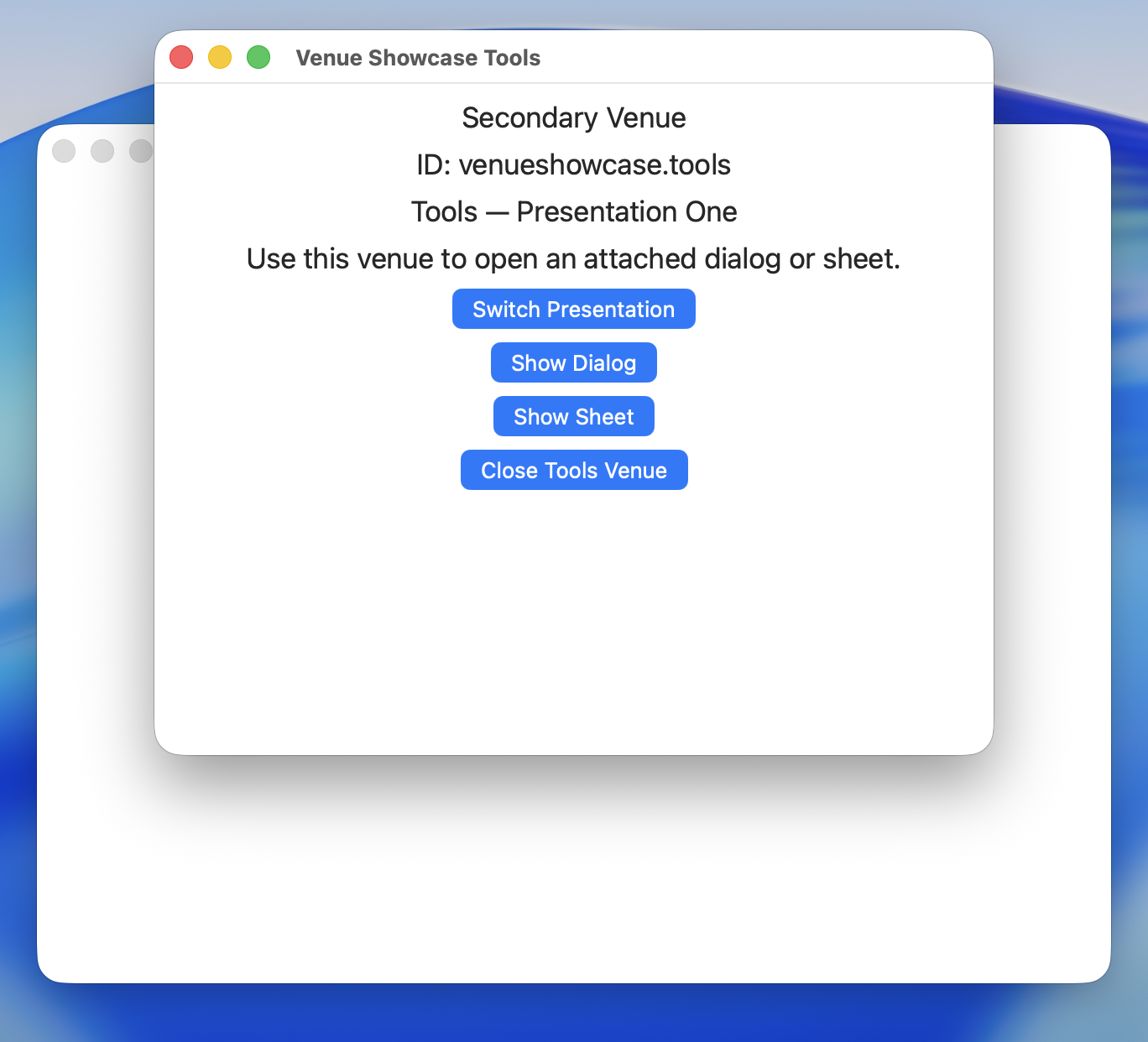
- A reusable secondary venue with two registered presentations and a Switch Presentation action.
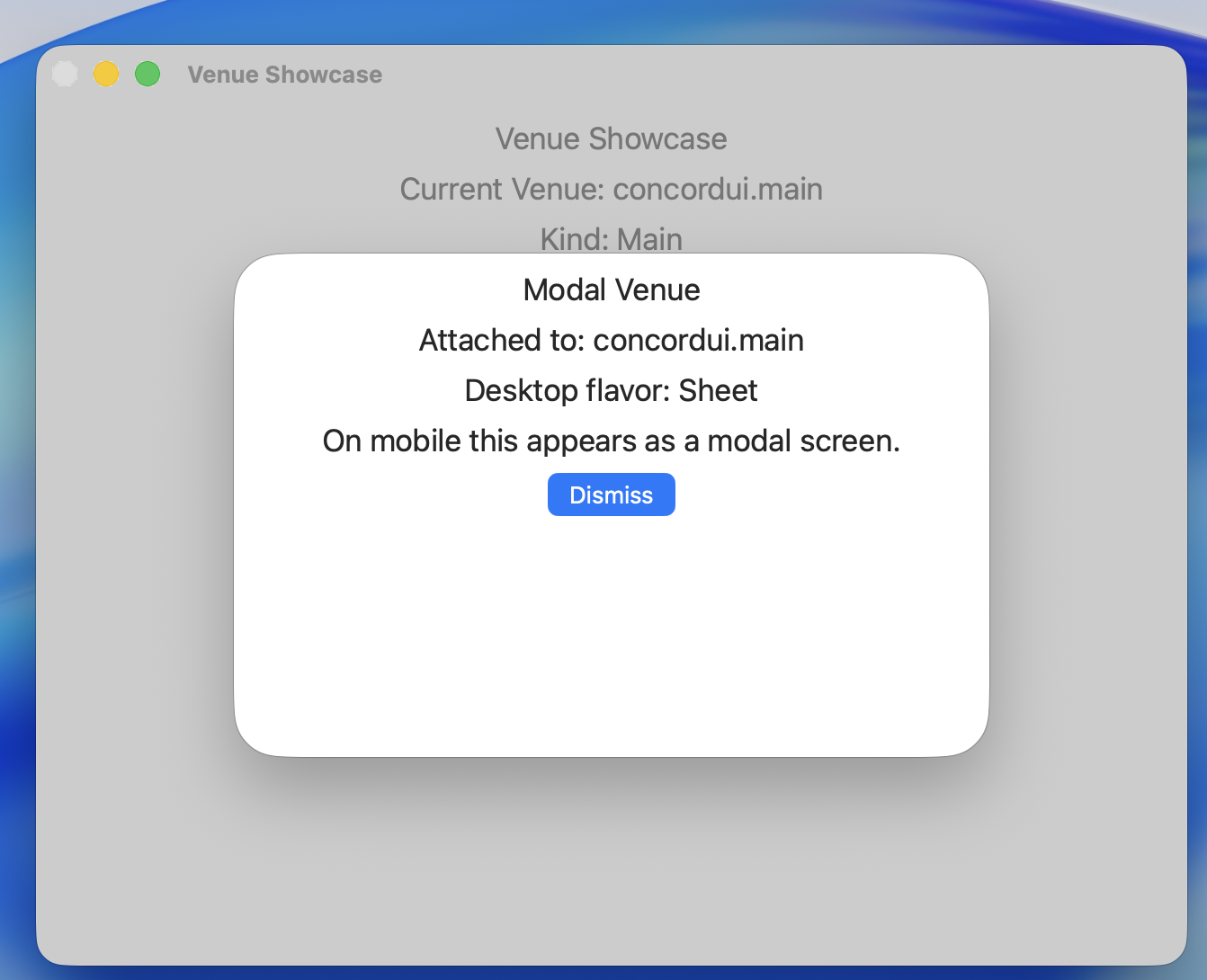
- Dialogs and sheets attached to either the main or secondary venue, with an explicit Dismiss button.
- Closing and reopening the tools venue through application-managed venue operations.
On desktop, modal flavor selects a dialog or sheet. On mobile, the modal content appears as a modal screen.
Sample project · Shared Swift source · How to run
%20-%20Modal%20Sheet%20over%20Home%20Venue.png)
Browse all Venue Showcase screenshots →
Try it
- Choose Open Tools Venue from the main presentation.
- Use Switch Presentation to change content in the same secondary venue.
- Choose Show Dialog or Show Sheet from either venue, then select Dismiss.
- Select Close Tools Venue, then reopen it from the main venue.
Run a sample application
First, follow Development Tools and Install the CLI for your chosen platform.
1. Download the examples
git clone https://github.com/Zodiac-Innovations/ConcordUIExamples.git
cd ConcordUIExamples/HelloConcordUI
Replace HelloConcordUI with ElementShowcase, FeaturesShowcase, PlatformShowcase, PresentationShowcase, or VenueShowcase to explore another sample.
Alternatively, use GitHub’s Code → Download ZIP, unzip it, and open Terminal in the selected sample’s folder.
2. Check the sample
concordui info
concordui doctor
3. Open an existing platform project
The repository includes native projects. Open the selected platform:
concordui apple ideIn Xcode, choose a Mac, iOS simulator, or connected device, configure signing when needed, and build/run.
concordui android ideIn Android Studio, allow Gradle sync to finish, choose a compatible emulator or device, and build/run.
Regenerate a platform project when needed
To regenerate from the sample’s shared source and configuration:
concordui apple create -d
concordui apple ide
Or, for Android:
concordui android create -d
concordui android ide
-d replaces the generated platform folder. It preserves Shared; commit any direct platform-project changes before regenerating. Follow Supported Platforms for deployment targets and compatible devices.
Learn more
Components overview · Create your own first app · CLI reference
Screenshots are from the examples repository and show the captured output on each labeled platform. Select an image to open it at full size.